Deepvue vs TradingView: Which Scanner Earns Your Money
Last updated: October 28, 2026
Two traders, same strategy, same account size. One pays $59.95 a month for charts he barely draws on. The other pays about $40 a month for a screener that spits out 40 names before the open and nothing else. Both think they're getting a deal. Only one is right, and which one depends entirely on what you actually do between 9:30 and 4:00. The deepvue vs tradingview question isn't about which platform is better. It's about which one does the job you keep outsourcing to a browser tab.
Here's the uncomfortable part: most traders buy the chart platform and then complain they can't find setups. That's like buying a kitchen and wondering why there's no food in it.
Quick answer: which one to pick by trader type, with both prices
If you trade growth and momentum stocks and your biggest bottleneck is finding names, 

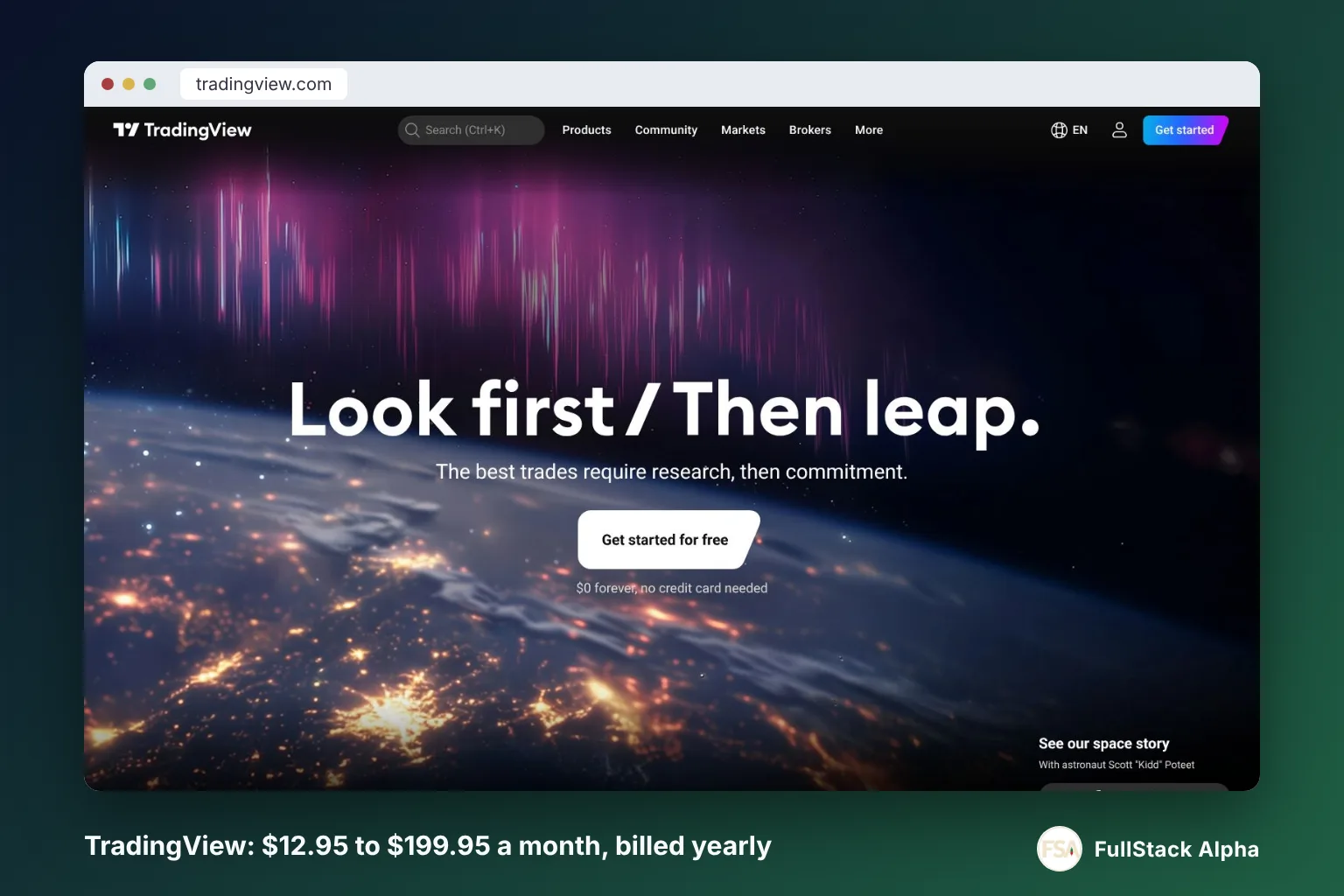
Prices, checked October 2026 on each vendor's own site: Deepvue is one plan at $99 per month, or $990 per year at its standard annual rate, with a Black Friday offer of $490 per year (about $40.83 a month) open until December 4, 2026. TradingView lists Essential at $12.95, Plus at $29.95, Premium at $59.95 and Ultimate at $199.95 per month when billed annually.
Short version by trader type:
- CAN SLIM style growth trader: Deepvue. Its screener is built around the exact factors you care about, relative strength, earnings acceleration, institutional sponsorship, base structure.
- Technical swing trader: TradingView Plus or Premium. You live on the chart, you need drawing tools, multi-timeframe layouts, and alerts that fire on trendlines.
- Day trader: TradingView Premium for execution and chart speed, plus a dedicated intraday scanner. Deepvue's streaming data helps, but neither is a pure intraday momentum scanner like
Trade Ideas.
- Budget case: TradingView free, honestly. Then add Deepvue annually once your process is defined and the only thing missing is idea flow.
The rule that cuts the decision in half: pay for the thing that fixes your bottleneck, not the thing you enjoy looking at.
One more framing that matters. TradingView is a market platform. Deepvue is a research tool for one specific style. Comparing them head to head is a little like comparing a full gym to a squat rack. The squat rack is better at one thing. The gym does forty things at a B+.
Deepvue vs TradingView: what is the core difference?
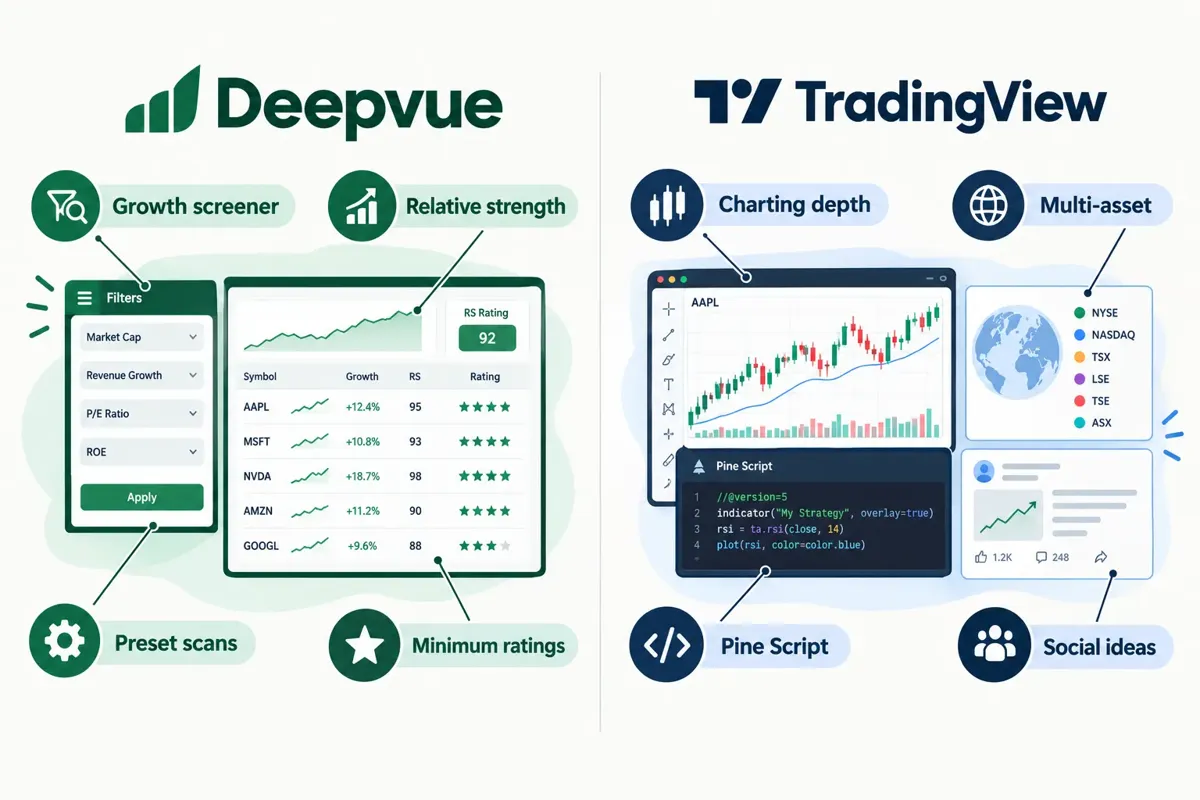
Deepvue is a growth-stock research terminal built around screening; TradingView is a charting and multi-asset platform with a screener attached. That single sentence explains almost every difference in price, workflow, and who ends up happy.
What Deepvue actually does that TradingView doesn't
Deepvue's screener page lists 1,152 active data points, 1,490 filterable fields, and 568 fields streaming live, covering technicals, fundamentals, earnings, sales, institutions, insiders, its own RS, EPS and AS ratings, and pre- and post-market action. Its research page counts 169 screener presets, 80 of them built from named top traders, spanning growth, momentum, swing, breakout, and gap strategies. Results sit beside a chart and a data panel with earnings, ownership and momentum figures.
That last detail is the real product. You scan, and the answer arrives with context already attached. No bouncing between four tabs to check whether the name has earnings in three days.
The same single plan also carries an AI Terminal, research apps like the Theme Tracker and Industry Ranks, and upgrades/downgrades tracking.
What TradingView does that Deepvue can't touch
Breadth. TradingView covers stocks, ETFs, bonds, futures and forex across global exchanges, with screeners for several of those markets. Its charting is the industry default for a reason: every broker, every YouTube video, every Discord screenshot you'll ever see uses it.
It's also moving fast. On October 23, 2026, TradingView announced that Pine Screener now supports up to 40 request calls per script. In plain English: Pine Script is TradingView's own coding language, and that change means a custom screener script can pull far more separate data series than before. If you write your own scans, that's a real jump in what you can build.
TradingView's AI screener lets you describe what you want in natural language and builds the filters, columns, and sorting for you. It works in the Stock Screener, it's available to paid users, and TradingView labels it a public beta whose request limits "may change."
Translation: TradingView's AI screener is a faster way to set up a scan, not a stable foundation for a repeatable research routine. Use it to save ten minutes, not to run your week.
The honest framing
Deepvue answers "what should I be looking at?" TradingView answers "what is this chart telling me and when do I act?" That's the whole Deepvue vs TradingView split.
If you want the deeper scorecard on one of them, we break it down in the Deepvue review scorecard and the TradingView scorecard. Growth traders weighing a third option should also read the 
Comparison table: Deepvue vs TradingView on screening, charts, alerts, data, mobile, price
Here's the Deepvue vs TradingView grid in one place. Prices are USD and were checked October 2026 on deepvue.com and tradingview.com/pricing.
Two things jump out of that table.
First, Deepvue goes deep on US growth equities and skips most of everything else. That's a deliberate trade. TradingView spreads across asset classes and goes shallower on growth-specific fields.
Second, TradingView's pricing ladder means the real comparison isn't "Deepvue vs TradingView." It's "Deepvue vs which TradingView tier." Against Essential at $12.95, Deepvue looks expensive. Against Premium at $59.95, the Black Friday rate looks cheap. Against Ultimate at $199.95, it looks like a rounding error.
Which has the better stock screener for growth stocks?
Deepvue, clearly, and it isn't especially close for CAN SLIM style traders. On growth screening, Deepvue vs TradingView is a mismatch: the field count, the preset library, and the inline result context are all built for one job, surfacing stocks forming bases with improving fundamentals and institutional support.
Why the field count actually matters here
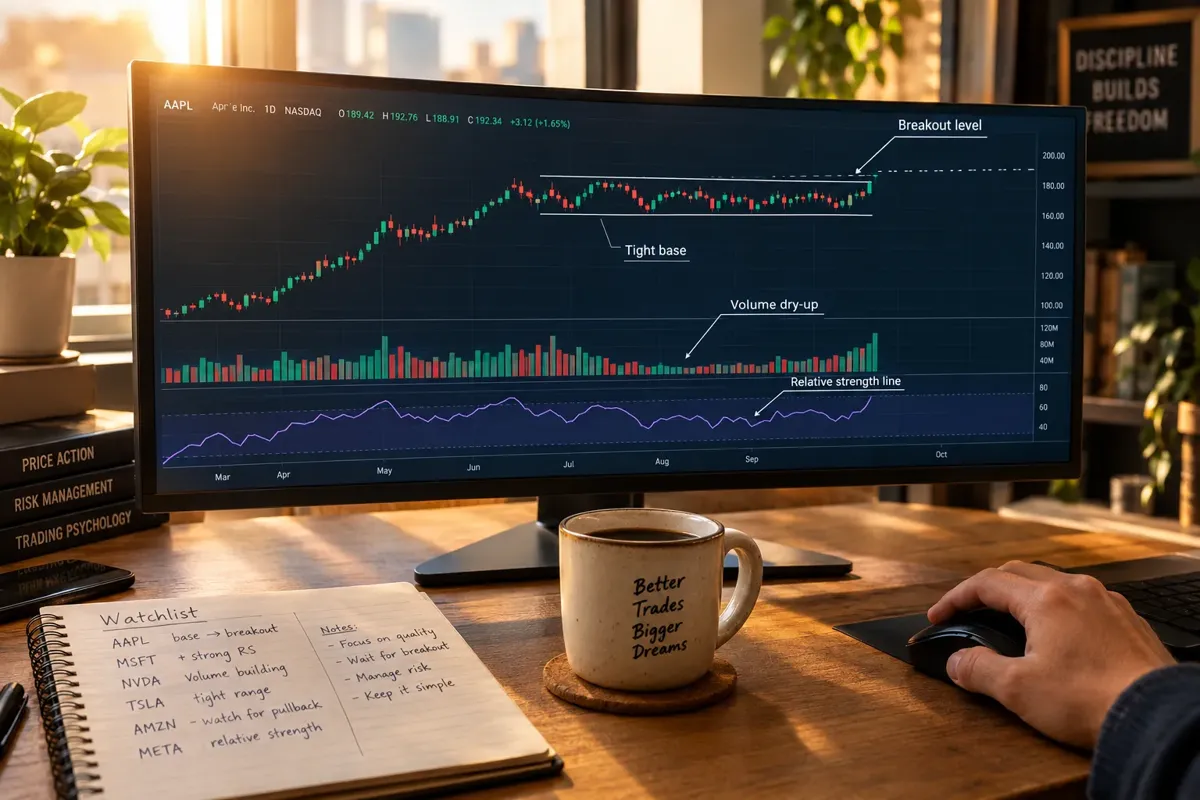
Growth screening is a multi-condition problem. You're not filtering for one thing. You're asking for earnings growth above a threshold, sales acceleration over the last three quarters, relative strength in the top decile, price within 5% of a 52-week high, volume contracting on the right side of the base, and institutional ownership rising.
TradingView's screener will get you most of a decent momentum scan. Deepvue's 1,490 fields will get you the specific ones, the proprietary ratings, the institutional metrics, the earnings history, without you building workarounds.
And the 169 presets are not filler. If you're new to growth screening, a preset built around breakouts or gap continuation is a faster education than three weeks of trial and error. You see which filter combinations experienced traders actually use.
Where TradingView's screener still wins
Three places:
- Non-US and non-equity. If you want to scan Canadian small caps, European industrials, or bonds, Deepvue doesn't go there.
- Custom logic via Pine. The October 23 update to 40 request calls per Pine Screener script means you can now write genuinely complex custom scans. That's a developer-grade capability Deepvue doesn't offer.
- Natural-language setup. TradingView's AI screener lets you type what you want and get filters back. Fast for exploration. Still in beta, so don't build your Monday routine on it.
The decision rule
Choose Deepvue if your scan has more than six conditions and all of them are US equity growth factors. Choose TradingView if your scan crosses asset classes or you want to write the logic yourself.
Common mistake: buying the deeper screener before you know what you're screening for. If you can't write your filter criteria on an index card right now, 1,490 fields will create analysis paralysis, not clarity. Start with our guide to cutting a 200-ticker list down to 5 before you buy anything.
Edge case: traders running a hybrid approach, growth names held for weeks, plus occasional index or sector trades, often find TradingView's screener is good enough for the growth side and necessary for everything else. One tool, slightly worse at the main job, much better at the rest.
Which has better charts and alerts?
TradingView, and this half of Deepvue vs TradingView isn't a debate. Charting and alerting are TradingView's core product; they're a supporting feature in Deepvue.
Charts
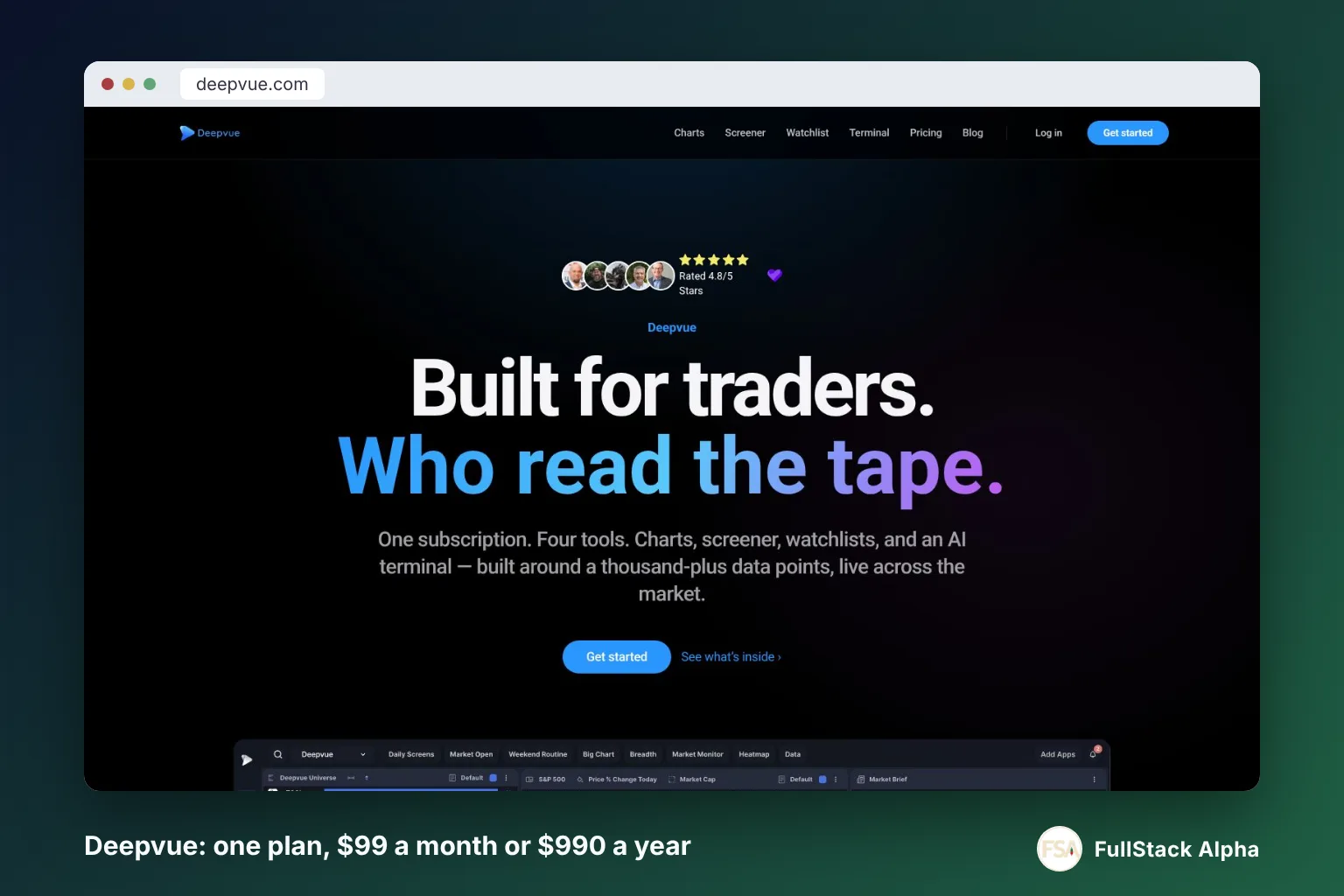
TradingView gives you the full drawing toolset, multi-chart layouts, bar replay for practicing setups, Pine Script for custom indicators, and a huge library of community scripts. It syncs across desktop and mobile. Many brokers connect to it directly.
Deepvue's charts are more capable than most traders expect: 85+ drawing tools, 12 chart types, multi-chart workspaces and bar replay. They show you the base, the volume, the earnings and the moving averages next to your scan results. For a growth trader checking whether a name is in tight consolidation, that's plenty. For someone writing custom indicators in code or leaning on a giant script library, TradingView still wins.
If free charting is where you're starting, compare the landscape in our breakdown of free stock charts across TradingView, 
Alerts
Deepvue does have alerts, they're bundled into the single plan alongside the scanner, charts, watchlists, dashboards, and AI Terminal, with no add-on fees. Triggered alerts land in an alerts panel, which is what a growth trader needs: tell me when this name clears the pivot.
TradingView's alert engine goes several layers deeper. You can alert on an indicator crossing, a custom Pine condition, or a trendline you drew by hand, meaning the alert moves as the trendline moves. That last one is underrated. For swing traders who trade diagonal resistance rather than horizontal levels, it's the feature. Our walkthrough of TradingView alerts shows the setup.
Alert quantity also scales with the plan tier, from 20 active price alerts on Essential to 400 on Premium, which is one of the real reasons traders climb from Essential to Plus to Premium.
The speed question nobody asks
An alert that fires 90 seconds late on a low float name, a stock with few shares available to trade, so it moves violently, is a history lesson, not a trade. Neither platform publishes a guaranteed alert latency, so test it yourself before you trust it with size. We built a trader reaction time test partly because most people blame the tool when the delay is actually between the screen and their hand.
Quick example: a trader scans Deepvue pre-market, finds eight names in tight consolidation, loads them into a TradingView watchlist, and sets trendline alerts on each. Scan in one tool, alert in the other. That workflow costs more and works better than forcing either tool to do both jobs.
How much do Deepvue and TradingView cost?
TradingView costs $12.95 to $199.95 per month at annual rates, or $14.95 to $239.95 billed monthly. Deepvue costs $99 per month, $990 per year at its standard annual rate, or $490 per year on the Black Friday offer. The Deepvue vs TradingView price gap depends almost entirely on which TradingView tier you'd actually use. All figures were checked October 2026; both vendors change pricing by billing cycle, country, tax, and promotion.
TradingView pricing, tier by tier
TradingView also keeps a free Basic plan with one chart per tab. Real-time data for many exchanges is sold separately on top of any tier. That's the line item people forget when they compare the sticker price. For the full tier breakdown, see our TradingView pricing guide.
Deepvue pricing, and the deadline that matters
Deepvue pricing is simple on paper: one plan, $99 per month, cancel anytime. The standard annual rate is $990 per year. Right now a Black Friday offer drops annual to $490 per year, about $40.83 a month, and Deepvue says that rate stays locked for as long as the subscription stays continuously active. The $490 rate ends December 4, 2026 at 11:59 PM ET; after that, annual goes back to $990 (checked October 2026).
Everything is bundled into that one plan: scanner, charts, watchlists, alerts, dashboards, 169 presets, real-time data, and the AI Terminal. There's no feature ladder to climb, which is a genuine plus, you're not discovering six months in that alerts require an upgrade.
But a promotional price is a promotional price. Check the number at checkout before entering a card, and know what renewal costs if you cancel and come back. Play stupid games with a renewal price and you win stupid prizes on the credit card statement.
The honest price comparison
At the $40.83 Black Friday rate, Deepvue sits about $19 below TradingView Premium and about $11 above TradingView Plus. That's the real spread. But it isn't like for like. Deepvue gives you deep US growth research and solid charts. TradingView Plus gives you excellent charts across every market and a broader but shallower screener.
At the standard rates, the math flips hard. Deepvue at $990 a year runs about $82.50 a month, and monthly billing at $1,188 a year costs more than TradingView Premium and Plus combined, for a narrower tool.
Before subscribing to anything, run the arithmetic on whether your account size supports it. A $5,000 account paying $1,188 a year in software needs a 24% annual return just to break even on tools. Our piece on whether day trading is worth it covers the math most people skip.
Is there a Deepvue free trial or discount code?
Deepvue's own pages carry "Start free trial" buttons and say a free trial lets you evaluate the full platform, but as of October 2026 they don't publish the Deepvue free trial length or card terms. Check the signup screen before you commit. As for a Deepvue discount code: the Black Friday annual price needs no code, and partner pages on deepvue.com apply an extra 12% off the annual plan, taking $490 to $431.20 a year (checked October 2026). Skip third-party coupon sites that list codes Deepvue's own pages don't show.
What to look for before you enter a card
- Trial length and card requirement. A trial that needs a card and auto-converts is a subscription with a grace period. Set a calendar reminder a day before it ends.
- Annual vs monthly gap. The $490 Black Friday rate against $1,188 a year on monthly billing is a discount of roughly 59%. Even the standard $990 annual rate saves about 17%. A gap that big means the monthly price exists mostly to make annual look good.
- Refund policy on annual. Paying 12 months up front for a tool you've used for four days is how people end up with software they resent. Deepvue advertises a satisfaction guarantee on the Black Friday offer, so read its terms first.
- What's actually included. Deepvue bundles everything into one plan, so there's no hidden tier. Confirm the AI Terminal and real-time data are in whatever you buy.
The trial strategy that actually works
Don't spend the trial clicking everything. Spend it running one question.
- Write your three core screening criteria on paper before you log in.
- Build that exact scan in Deepvue on day one.
- Run it every morning for the length of the trial and save the output.
- Compare it against the same scan built in TradingView's free screener.
- Ask: did Deepvue surface names TradingView missed, and did those names go anywhere?
If the answer is no, cancel. If the answer is yes twice in five days, that's a signal worth paying for.
Common mistake: starting a trial during a choppy tape where nothing breaks out cleanly, then concluding the scanner is broken. A momentum screener in a sideways market finds very little, because there's very little to find. That's the tool working, not failing.
As for discount codes: most "exclusive" scanner coupons floating around are affiliate links dressed as savings. The annual plan is usually the real discount. Compare what else the same money buys in our Deepvue alternatives list and the parallel TradingView alternatives breakdown.
Should you pay for both?
Yes, if you're an active growth or swing trader and the combined cost is under 1% of your account per year. No, if you're still figuring out what setup you trade or your account is under about $10,000. For a lot of active traders, the best Deepvue vs TradingView answer is "both, with defined jobs."
The case for running both
They don't overlap much. Deepvue finds names. TradingView analyzes and alerts on them. A trader running Deepvue at the $490 Black Friday rate plus TradingView Plus at $359.40 a year pays about $849 a year, roughly $71 a month, for a stack where each tool does what it's best at.
The workflow looks like this:
- Sunday: Run three Deepvue presets. Export 20-30 names.
- Sunday night: Load the survivors into a TradingView watchlist.
- Monday pre-market: Mark pivot levels, set trendline alerts.
- During the week: Trade only what triggers. No chasing, no improvising.
- Friday: Journal what worked in a free trading journal and cut the scans that produced nothing.
That's a process. Two tools, defined roles, no overlap. Systems over hacks.
The case against
Tool stacking is the most common form of procrastination in retail trading. Six subscriptions feel like preparation. They're usually avoidance.
If you've been trading for under a year, you don't have a tool problem. You have a rules problem. Position sizing, stop loss placement, and the discipline to not revenge trade after getting stopped out will do more for your account than any screener on earth. Paper trade it first.
The test: if you cancelled both tools tomorrow, could you still describe your entry, your stop, and your position size in one sentence? If not, buy neither.
Can Deepvue replace TradingView completely?
For most traders, no. Deepvue's charting is solid, but it doesn't cover non-US equities, futures, or forex, and it has no Pine-style coding layer. If you only trade US growth names on daily charts and you execute in your broker's platform, it could be enough, a real but narrow use case.
The reverse is closer to viable. TradingView can replace Deepvue for traders whose screening needs are moderate, especially now that Pine Screener handles 40 request calls per script. You'd be trading convenience for capability.
Worth noting: TradingView also connects to automated execution workflows, which Deepvue doesn't attempt. If that's your direction, read about TradingView automated trading before you commit to a stack.
Verdict by trader type
One tool doesn't win. Four different traders get four different answers, and the deepvue vs tradingview decision only gets easy once you name which one you are.
The CAN SLIM style growth trader
Pick Deepvue. Add TradingView Essential or free for charting.
Your entire edge is finding the right 20 names out of 8,000 before they break out. Deepvue's 1,490 fields, 169 presets, and institutional and insider data map directly onto the CAN SLIM factors: earnings acceleration, new highs, leadership, institutional sponsorship. The chart and data panel next to each result cut your review time per name from minutes to seconds.
Your drawback: a promo-driven price that resets if you lapse, and thin public discussion compared to a platform with millions of users. You're buying a specialist tool, which means fewer tutorials and fewer people to ask when something breaks.
Related reading: how to find swing trade stocks before everyone else does.
The technical swing trader
Pick TradingView Plus at $29.95 a month billed annually, upgrade to Premium at $59.95 if you need more alerts.
You trade support and resistance, trendlines, and multi-timeframe confluence. Your tool needs to draw well and alert on what you drew. Deepvue's alerts don't reach TradingView's depth on drawing-based conditions. Buy the charts.
Where you'd add Deepvue: when you notice you're trading the same 15 tickers every month because that's all you know about. That's an idea-flow problem, and that's Deepvue's job.
The day trader
TradingView Premium for execution speed and second-based intervals, plus a dedicated intraday scanner.
In Deepvue vs TradingView for day trading, neither is a true real-time momentum scanner. Deepvue's 568 streaming fields and pre/post-market coverage are real, but the tool is built around daily-chart growth setups. If you're scalping gappers at 9:31, you want something purpose-built. Compare the field in our AI day trading tools roundup.
Honest warning: most new day traders lose money. The tool is not the variable. Risk management is.
The budget case
TradingView free for three months. Then TradingView Plus. Then consider Deepvue annual.
TradingView's free tier gives you real charts, basic screening, and a few alerts. That's enough to build and test a process. Spend the three months defining your setup and journaling every trade with a trading journal template.
If after three months your written complaint is "I can't find enough good setups," buy Deepvue. If your complaint is "I keep getting stopped out," no scanner on earth fixes that.
Spend money on your bottleneck. Everything else is shopping.
FAQ
What does Deepvue actually do that TradingView doesn't? Deepvue delivers deep US growth-stock screening: 1,152 active data points, 1,490 filterable fields, 568 fields streaming live, and 169 screener presets, with a chart and data panel beside each result. TradingView's screener covers more markets with fewer growth-specific fields.
Which is better for day trading, Deepvue or TradingView? TradingView, for charting speed, second-based intervals, and alert depth. Neither is a purpose-built intraday momentum scanner. Serious day traders typically run TradingView Premium alongside a dedicated real-time scanner.
Can you use Deepvue and TradingView together? Yes, and it's a common setup among active growth traders. Scan in Deepvue, build the watchlist, then chart and alert in TradingView. At the $490 Deepvue rate plus TradingView Plus billed annually, the combined cost runs about $71 per month.
Does Deepvue have alerts like TradingView? Deepvue includes live alerts in its single bundled plan with no add-on fees. TradingView's alert engine goes deeper, supporting indicator conditions, custom Pine Script logic, and alerts anchored to hand-drawn trendlines that move with the drawing.
Is TradingView or Deepvue easier for beginners? TradingView. The free tier costs nothing, the interface is familiar from every trading video online, and the learning resources are endless. Deepvue's 1,490 fields are powerful but can create analysis paralysis for someone who hasn't defined their criteria yet.
Is Deepvue worth paying for, or should you just use TradingView free? Use TradingView free until your documented problem is a shortage of quality setups. In the Deepvue vs TradingView choice, Deepvue solves idea flow, not execution or discipline. If you're losing money on entries and exits, a better screener makes you lose faster, not less.
Does Deepvue work better for options or stocks? Stocks, decisively. Deepvue is built around equity growth and momentum research, earnings, sales, institutions, relative strength. For options-specific screening and flow, look at dedicated AI options trading tools instead.
What's the main disadvantage of each scanner? Deepvue: narrow asset coverage, a promo price with a hard deadline, and thin public user discussion. TradingView: a screener that's broad but shallow per asset, real-time data for many exchanges billed separately, and an AI screener still labeled public beta with request limits that may change.
References
- Deepvue pricing (homepage pricing section). deepvue.com.
- Deepvue Black Friday 2026 offer and terms. deepvue.com.
- Deepvue Screener. deepvue.com.
- Deepvue Research Features. deepvue.com.
- Deepvue for TradingView Users. deepvue.com.
- TradingView Pricing. tradingview.com.
- TradingView Blog: Pine Screener now supports up to 40 request calls per script. tradingview.com.
- TradingView: How To Use The AI Screener. tradingview.com.
Still torn on Deepvue vs TradingView? Put both next to the screeners they actually compete with. We list the leading stock screeners side by side with October 2026 pricing and the trader type each one fits. Compare the field → Best AI stock screeners
This is education, not financial advice.
Your market edge starts with the right tool. Stay alpha.
Some links on this page may be affiliate links. Rankings are never influenced by them.